Understanding: The Experience Library
The Experience Library is an ever-growing library of innovative Experiences and Custom Experience ideas that can be delivered by our Services team. It sees us continuing our quest to help marketing teams move faster and deliver more value, whilst saving time and precious resources.
Let's take a closer look...
To get to the Experience Library, click on the tab in the top navigation.
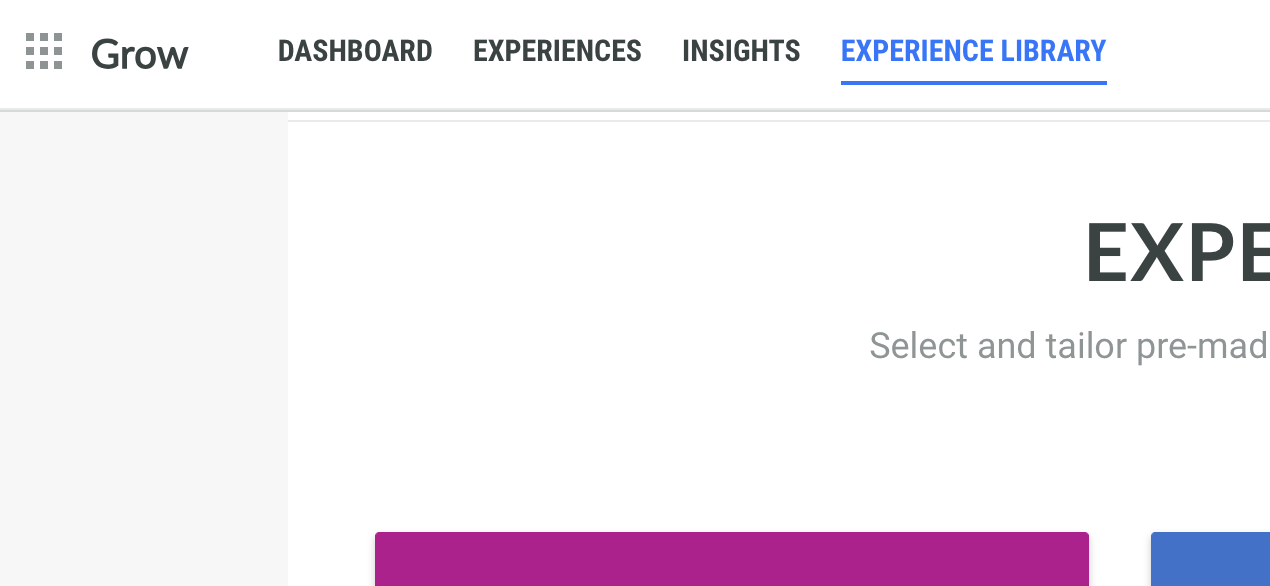
From the Experience Library home page, you see all available Experiences.

You can browse Experiences by type and marketing objective, and go to the templates set up for your account.

Get all the details you need
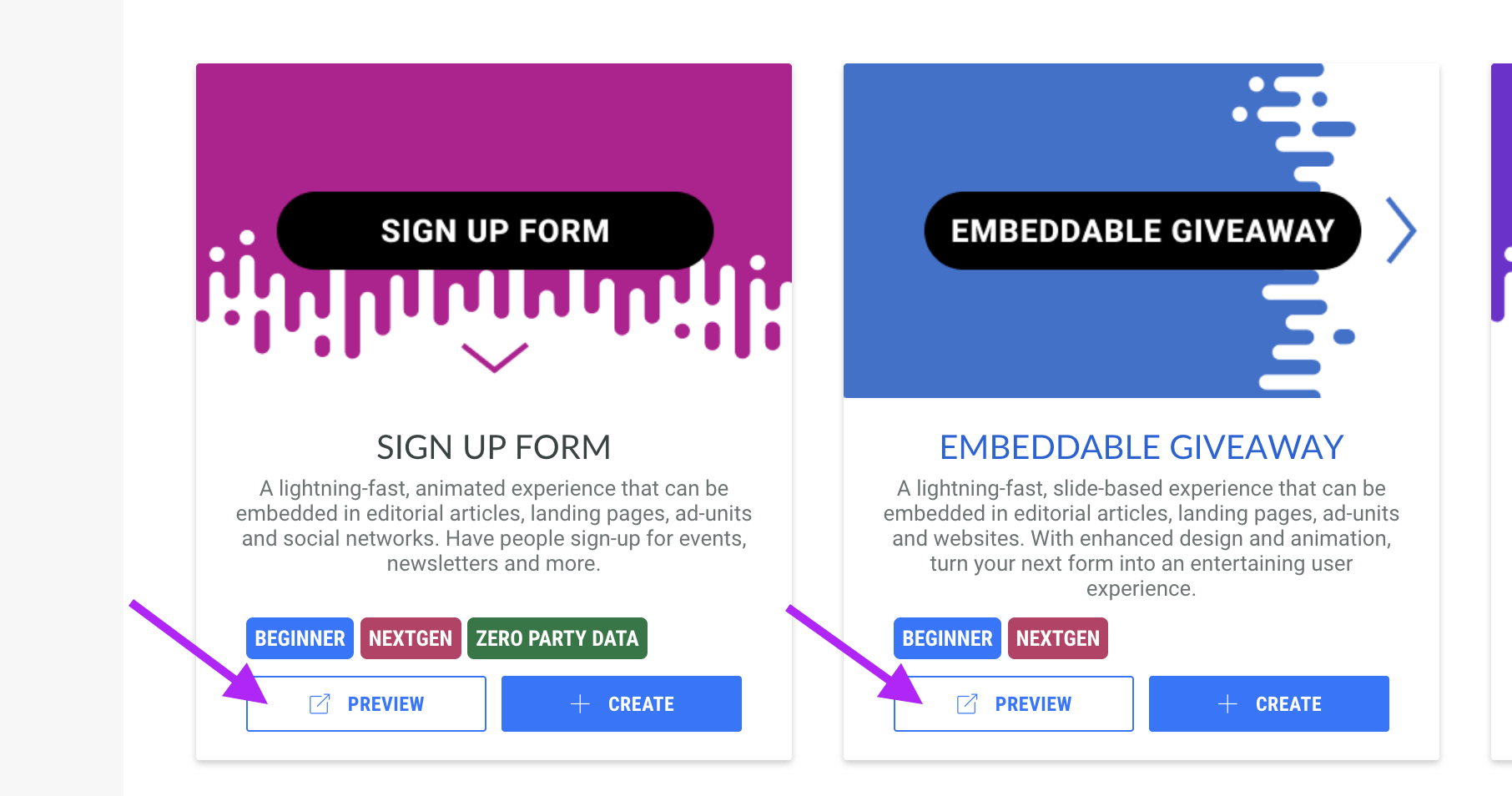
Each tile will show a short description for the Experience as well the tags associated with it such as NextGen or Beginner.

Preview the Experience by clicking the Preview button within the tile. This will open the preview in a new tab on your browser.
This gives you an immediate hands-on approach to test the default Experience setup, without the need of actually creating and configuring the Experience to test out the basics.
Note: This option is not available for all Experiences.
Easily create your preferred Experience
To add an Experience to your account, simply click on the Create button.

This will run you through a wizard in which you can define the basics for your Experience.
Once completed, you end up in your Experience area, where you can customize all you need.
For more details on the next steps, please have a look at the Experience area article here.
Custom Experiences
Custom Experiences are built out by our Services team. These Experiences typically have more bespoke elements that will require some additional work.
You can find them under Browse by Experience type > From the Studio.

A dedicated From the Studio screen is shown where you can explore the Custom Experiences.